 Connect Garden
Play with your own photos
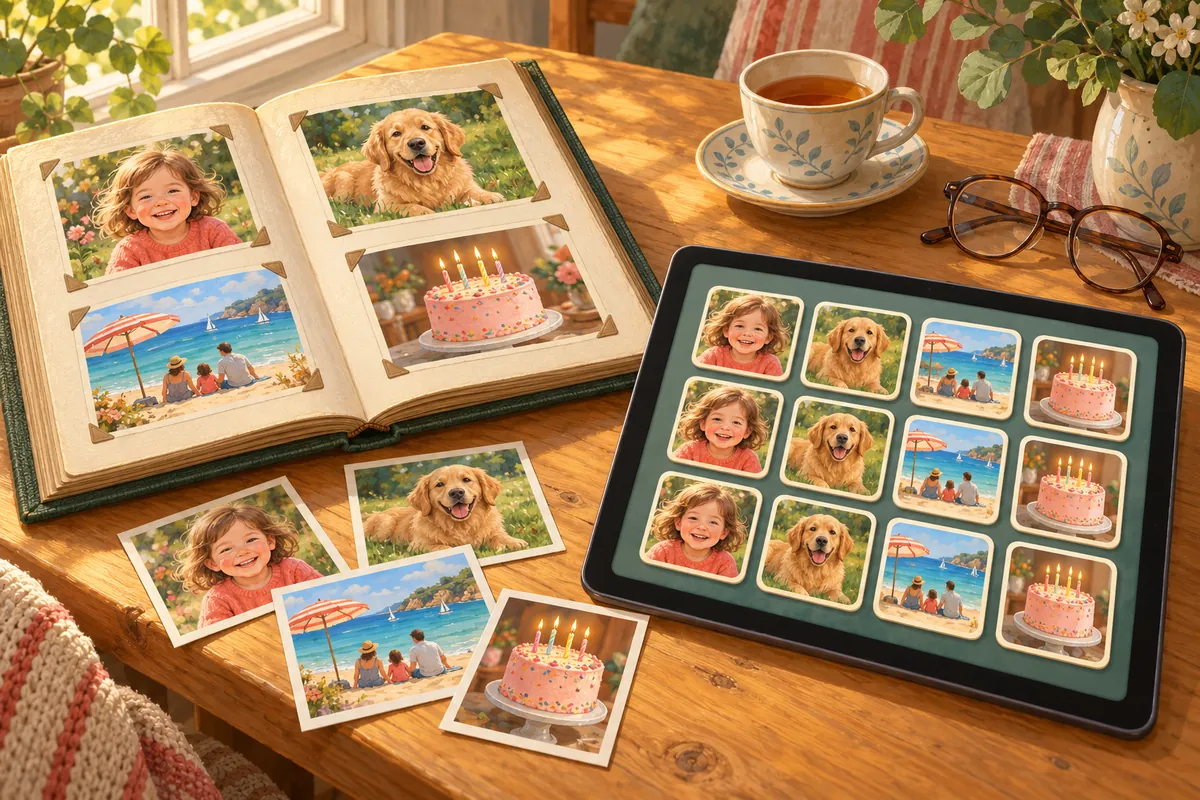
Choose a handful of favourite pictures and Connect Garden turns them into a tile pack. Then every board is full of familiar faces.
How it works
Open Tile packs and tap New photo pack. Pick your photos, move the frame to choose each face, and give the pack a name. If a level needs more pictures than your pack has, the game fills the rest from a built-in pack.
Private by design
Your photos are turned into tiles on your phone and stay there. They are never uploaded, never shared and never used for anything else.
A lovely gift
Set it up for a parent or grandparent with photos of the family. It is a gentle daily puzzle and a small photo album at the same time.
How to get it
Making photo packs is a one-time purchase, also included in the Garden Pass. Photo packs you already made always stay playable.
Questions and answers
How many photos do I need?
A few is enough to start. More photos make bigger boards more varied.
Are my photos backed up?
No. To keep them private, photo packs stay only on the phone where you made them.